· Dr. Dénes Bartha · Guides · 4 min read
How to teach a young child to code without screens
A practical, step-by-step approach to introducing programming to a 4 to 8 year old using physical materials, with no app and no prior coding experience required from you.

You do not need to be a programmer to teach your child the foundations of coding. You need a clear task, a little patience, and a way to make the logic physical. This guide lays out a simple approach that works for children roughly aged 4 to 8.
Start with a goal the child cares about
Abstract instructions do not motivate young children. A concrete goal does. Frame the very first activity as a tiny mission: get the character from here to there, collect the item, reach the exit.
When the purpose is clear and visual, the child has a reason to think about the steps. The coding is in service of the goal, which is exactly how it should feel.
Make the steps physical
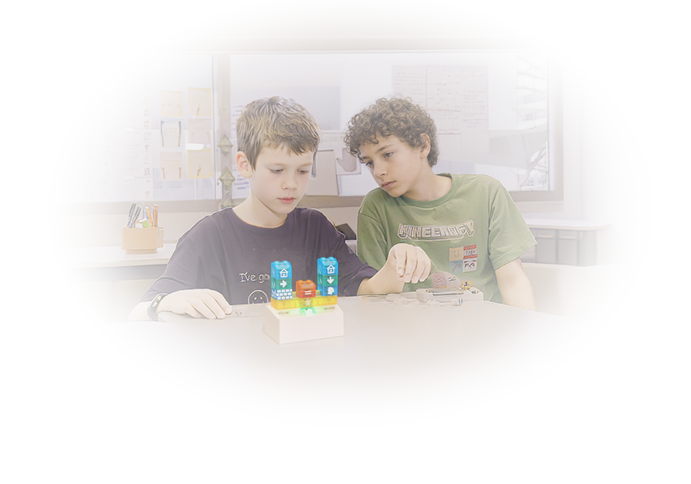
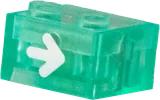
The core move in teaching coding without screens is to turn each instruction into an object the child can place. Up, down, left, right, repeat. When commands are physical pieces laid out in a row, the child can see the whole program at once and reason about it.
This matters because the hardest part of early programming is not any single command. It is understanding that order matters and that the computer does exactly what you told it, not what you meant. Seeing the sequence laid out in front of them makes that lesson concrete.
Run it, then talk about what happened
Once the child has built a sequence, run it. Then ask questions rather than giving answers:
- What did you expect to happen?
- What actually happened?
- Which piece do you think we should change?
This is debugging, and it is the most valuable skill in the whole exercise. A child who learns to calmly look at a program that did not work, find the wrong step, and fix it has learned something that transfers far beyond coding.
Resist fixing it for them
This is the hardest part for adults. When the program fails, every instinct says to jump in and correct it. Do not. The struggle is the point. Give a small hint if they are stuck, but let the child make the change and feel the result. Confidence comes from solving it themselves.
Add one new idea at a time
Once sequencing feels natural, introduce one concept at a time:
- Loops: instead of placing the same step five times, use a repeat. Children love this because it feels like a shortcut.
- Conditionals: do something only when a condition is true. This introduces decision making.
- Variables: keep track of a value that can change.
- Functions: name a group of steps and reuse them.
Each of these is a genuine programming concept, introduced only when the child is ready for it. There is no rush. A child who deeply understands sequencing and loops has a strong foundation.
Keep sessions short and frequent
Young children learn better in short, regular bursts than in long sessions. Fifteen focused minutes a few times a week beats an hour once a fortnight. Stop while they still want more.
Tools that help
You can begin with nothing more than cards or drawn arrows on paper. The limitation is that paper cannot actually run the program, so the child does not get that immediate feedback loop.
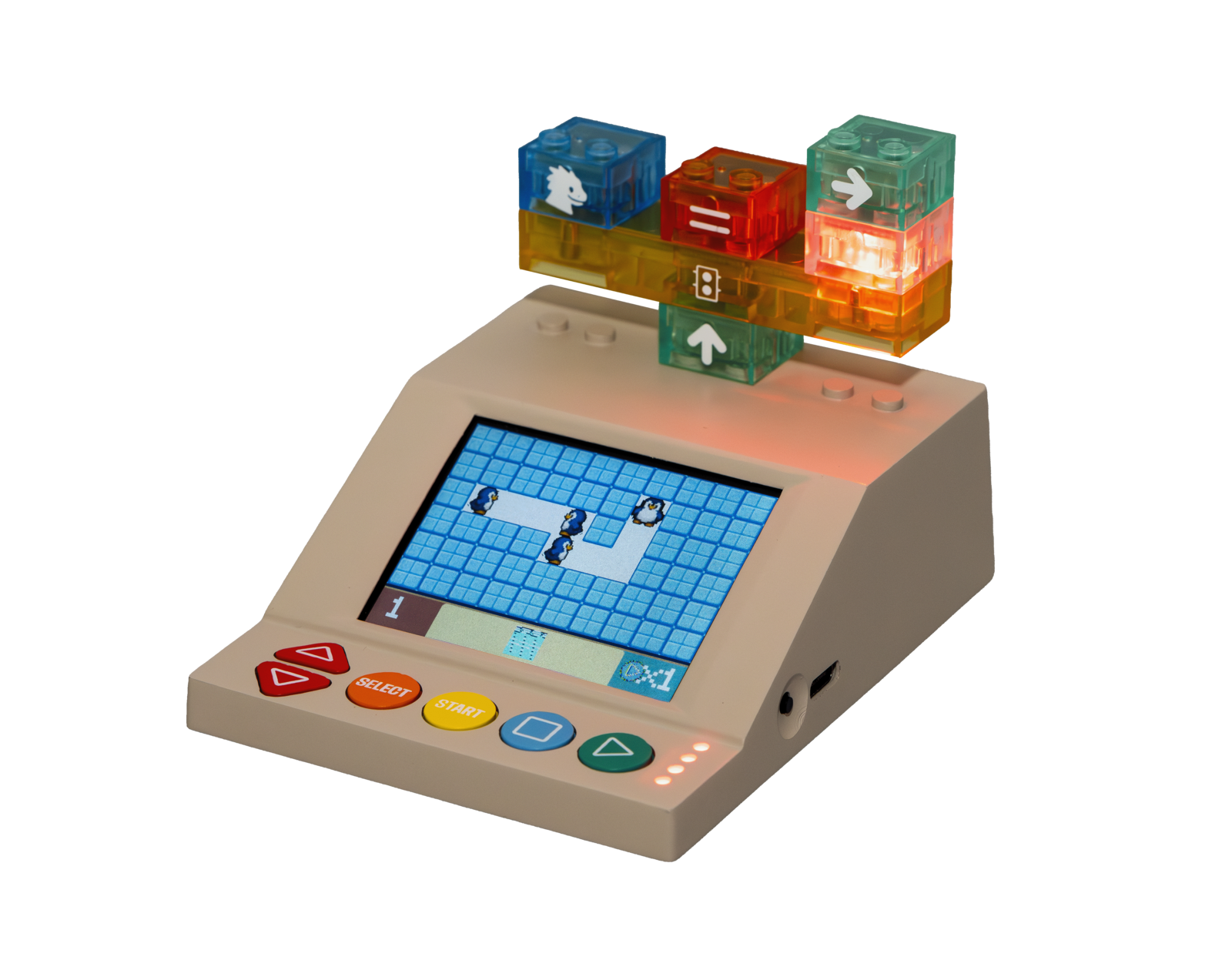
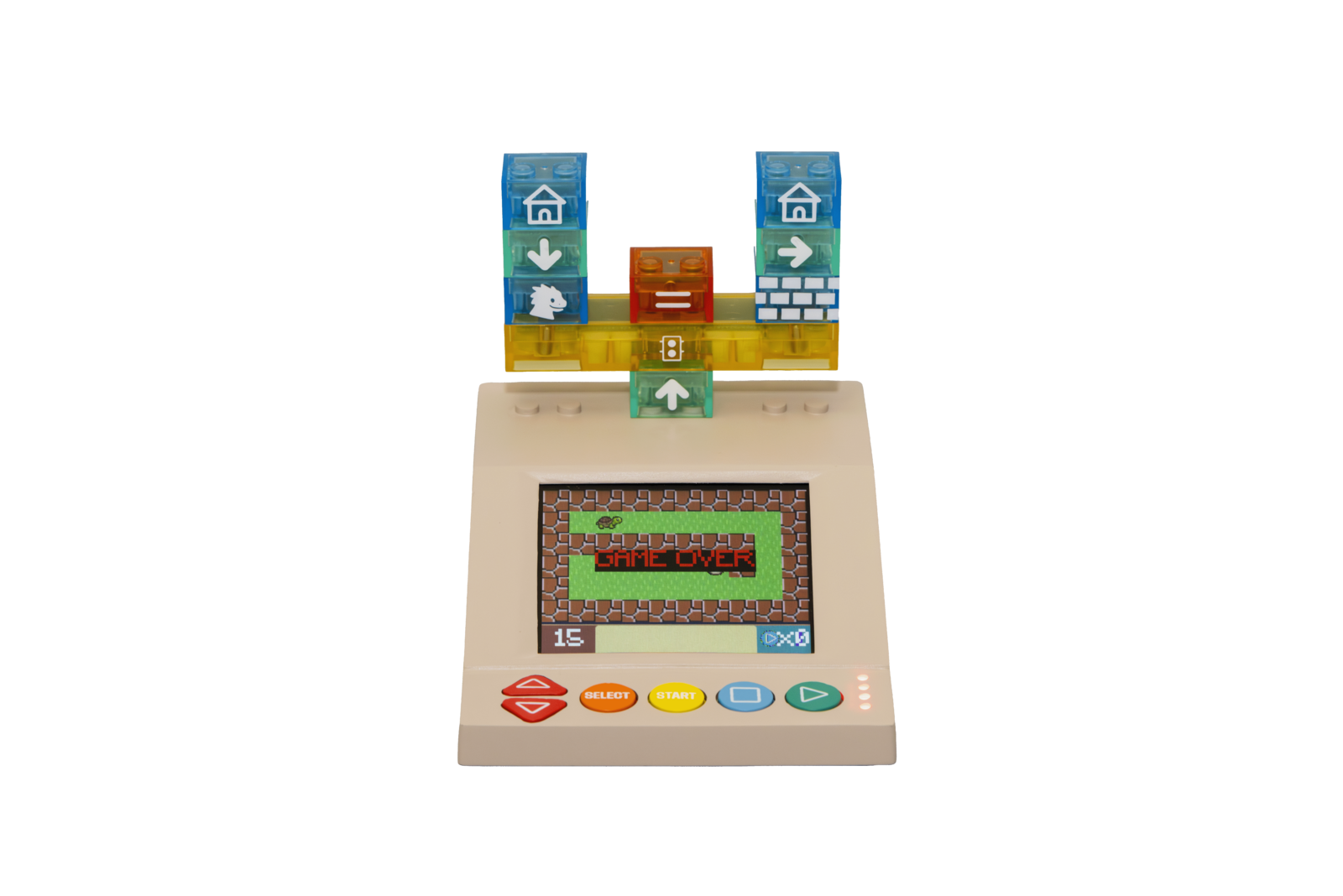
That is the gap the DrBartha Coding Kit is designed to fill. Children build programs by snapping together magnetic bricks, where each brick is a real command, and the kit runs the program on its own handheld console with no phone or tablet involved. The early levels teach sequencing, and the same kit scales up to loops, conditionals, variables, and functions as the child grows, so it keeps pace with them from age 4 to 100. Our tutorials show the whole flow, and you can order a kit when you are ready.
The bottom line
Teaching a young child to code without screens comes down to three things: give them a clear goal, make the steps physical so they can see the logic, and let them debug their own mistakes. You do not need any coding background to guide that. You just need to ask good questions and stay out of the way.