Coding they can hold
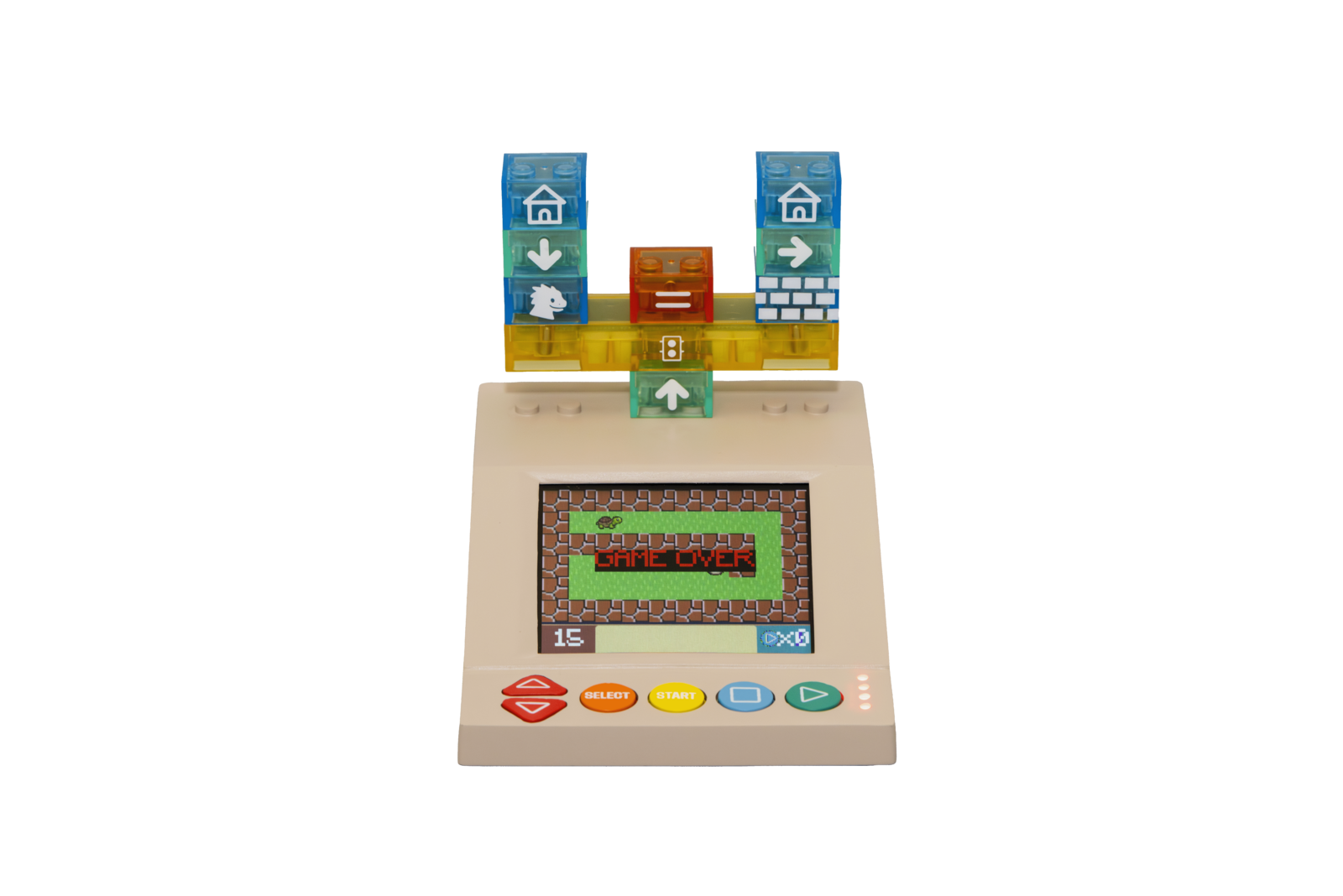
Children build programs by snapping magnetic bricks onto a console that runs them instantly. Built for homes and classrooms.
Pre-order: shipping starts January 2027.
Featured on educ8s.tv
Not just another STEM toy
educ8s.tv put the Coding Kit in front of a 7-year-old and filmed an honest review: loops and IF bricks you can hold, programs that light up brick by brick, and step-by-step debugging.
Meet the Coding Kit
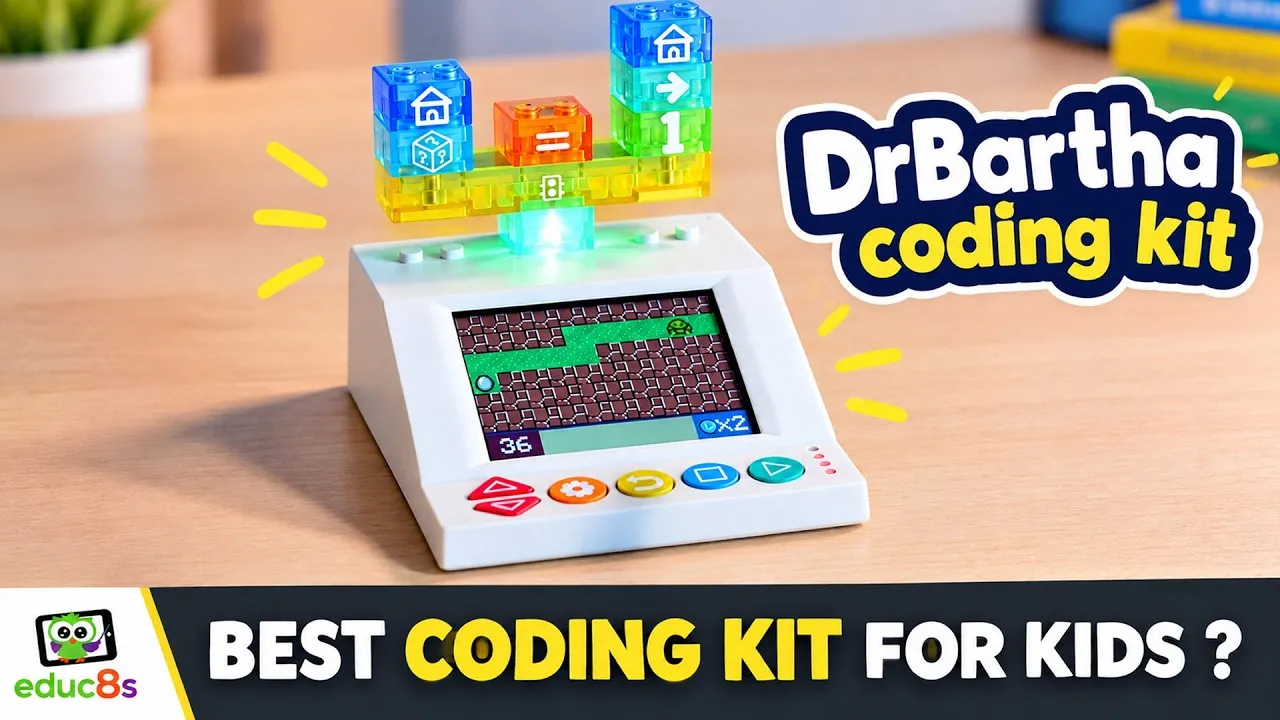
The DrBartha Coding Kit lets you snap magnetic bricks together to build a real program. No phones, no tablets, no computers, just play.
Brick Tokens
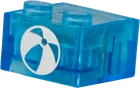
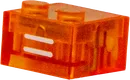
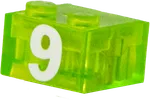
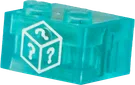
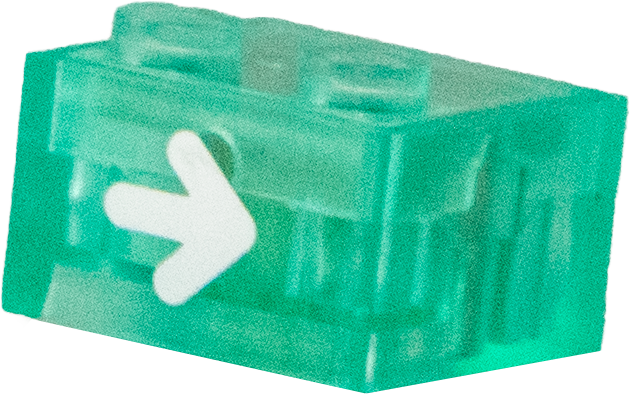
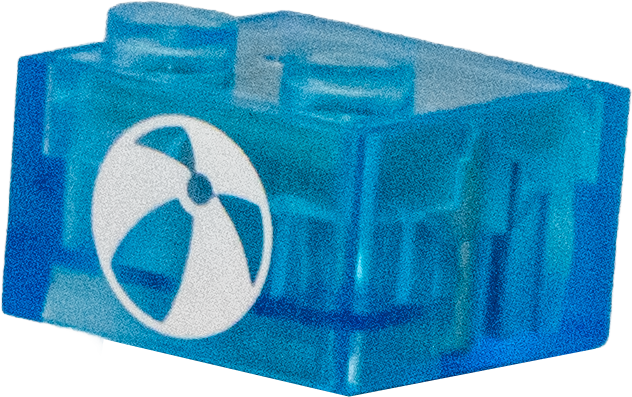
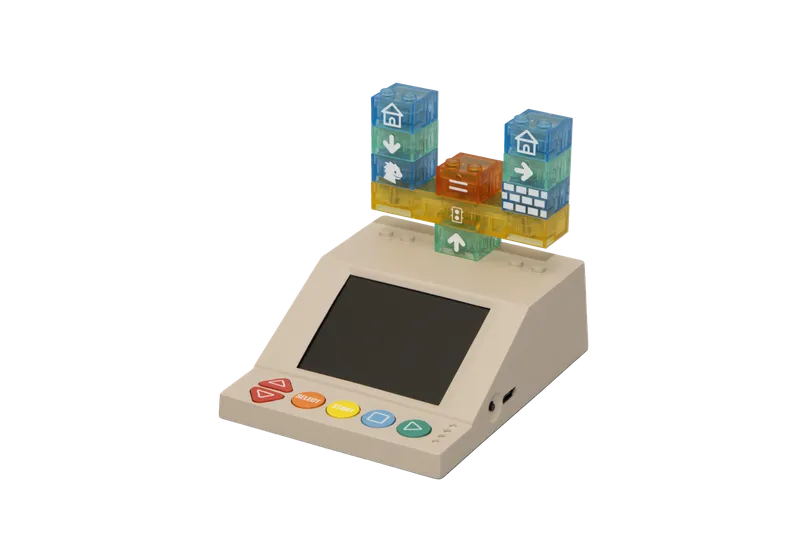
Each magnetic brick represents a programming command, from movement and logic to variables and functions.
Instant Execution
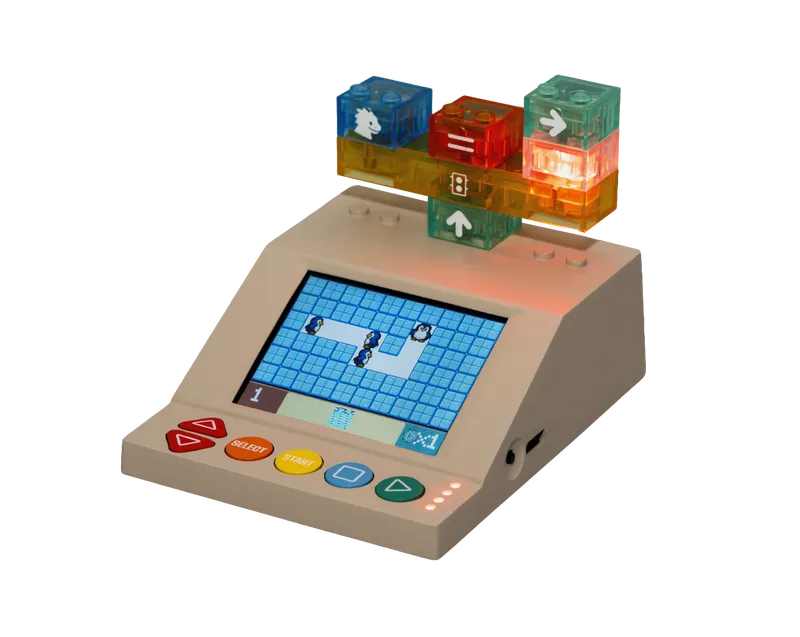
Snap bricks together, press Start, and watch your program run immediately on the built-in display.
Designed for Little Hands
Instant Power-On
No boot time, no pairing, no accounts. Flip the switch and start coding in seconds.
Built-In Display
The built-in LCD shows your program output: games, animations, and feedback, right on the device.
Connect to Anything
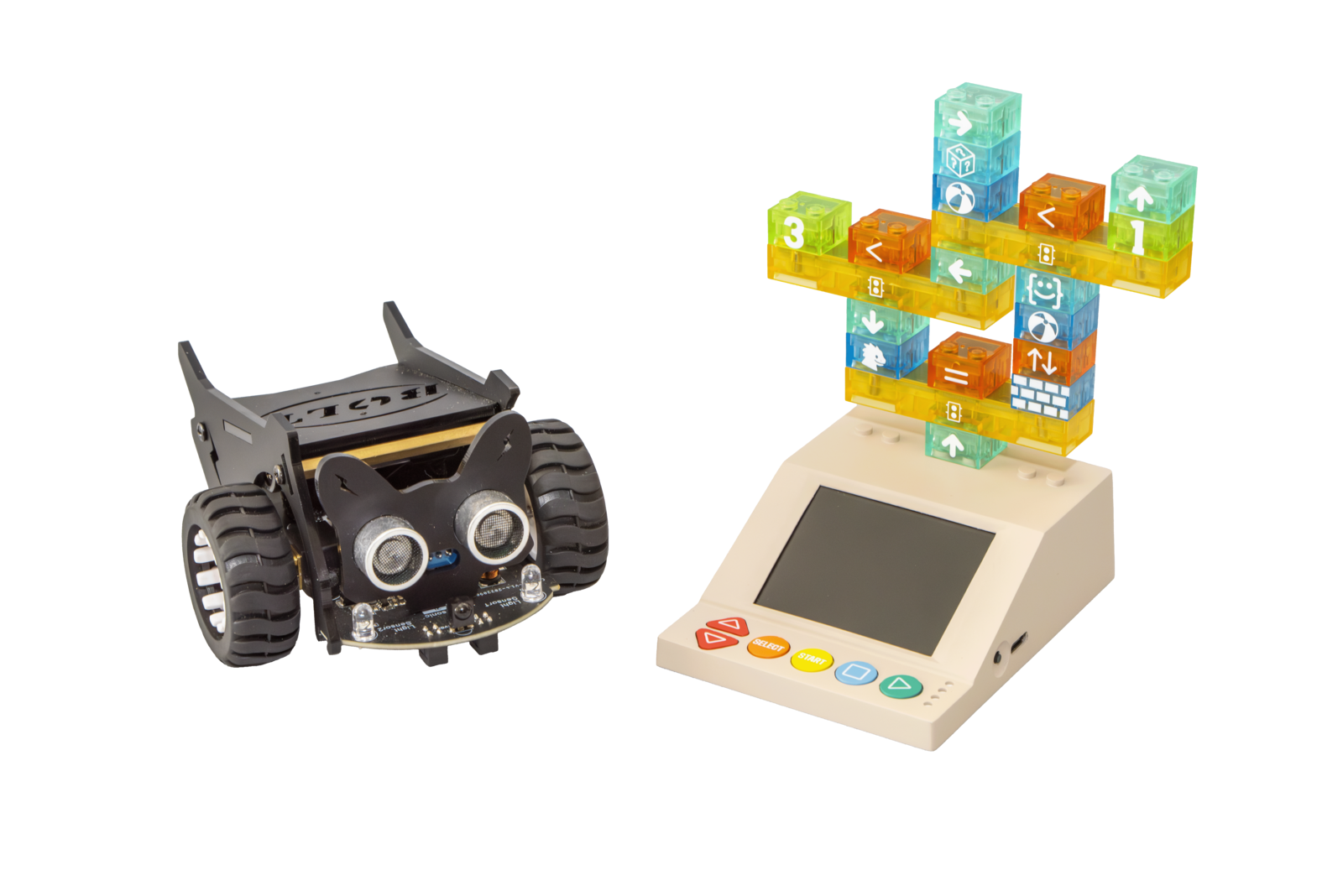
An open-source SDK lets children control robots, LEDs, motors, and custom electronics, bridging code and the physical world.
Open-Source SDK
Build your own games, peripherals, and lesson plans with our fully open Python SDK.
Wireless Connectivity
Pair the Coding Kit with robots, sensors, motors, or microcontroller boards over Bluetooth Low Energy or ESPNOW. No cables, no docking station.
Proven Turing-Complete
Our brick language (PBPL) is formally proven Turing-complete in Coq. This means children can express any computation that a real programming language can, using just physical bricks.
View the proof →Main features of our coding kit
Hands-On Coding
Learn sequencing, loops, and conditionals with physical bricks. No phones, no tablets, no computers needed.
Magnetic Snap-Together Bricks
Self-aligning magnets and robust contacts make building fast, accurate, and satisfying.
Progressive Challenges (Ages 4 to 100)
Grows from simple sequences to advanced problem-solving and real electronics concepts.
Open Tasks & Game Creation
Create, remix, and share puzzles. A community library keeps content fresh.
Modular & Expandable Kits
Start small and add new function bricks, stories, and worlds anytime.
Instant Setup, Zero Pairing
Power on the Coding Kit and play. No accounts, no Wi-Fi, no setup needed.
Offline & Classroom-Ready
Works anywhere with quick resets and minimal teacher overhead for group play.
Kid-Safe & Durable
Rounded edges, sturdy plastics, and protected electronics built for everyday drops.
Reprogrammable Function Bricks
Updatable logic lets bricks evolve with new skills and curricula over time.
Long Battery Life
Efficient hardware enables hours of play. Quick top-ups keep sessions flowing.
A curriculum that grows with the child
Ages 4 to 6: sequencing and movement
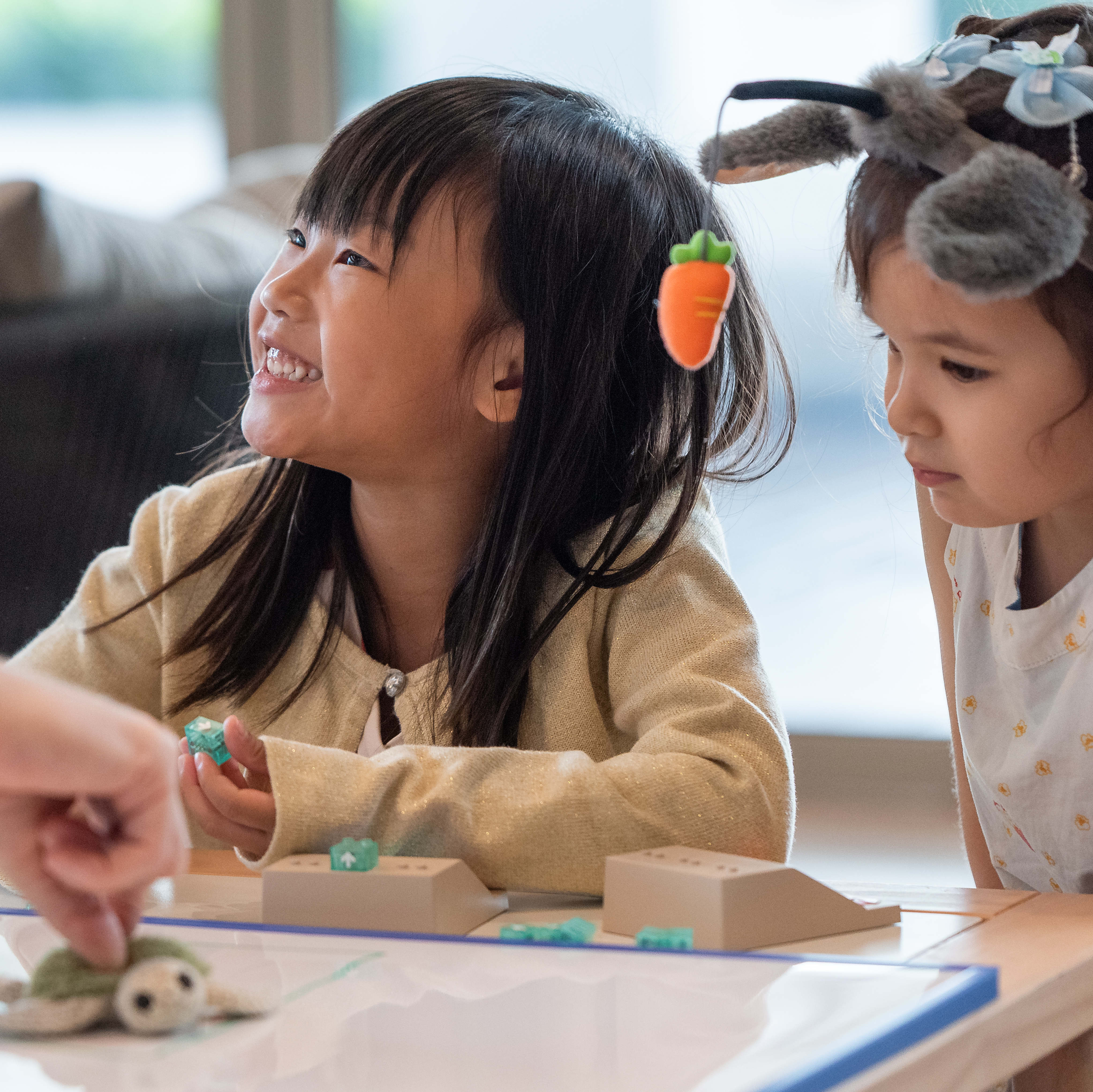
Children chain forward, turn, and repeat bricks to navigate sprites on the display. The first programs are three bricks long. Reading is not required.
Ages 6 to 9: loops and conditionals
Repeat bricks introduce iteration. IF bricks introduce branching. Children debug their own programs by rearranging bricks. The bug is something they can hold.
Ages 9 to 12: variables and functions
Variable bricks store values. Function bricks let children record a sequence once and reuse it. The mental model is the same one Python or JavaScript programmers use.
Ages 12 to 14: physical computing
Wireless control lets children drive motors, LEDs, sensors, or robots via the SDK. The Coding Kit becomes the brain of any maker project.
How DrBartha fits among hands-on coding toys
Hands-on coding has a rich history. Early coding toys brought programming to preschoolers by giving them a robot or character to direct through space, usually for ages 3 to 7. Later kits mixed bricks, tokens, and tablet apps to introduce sequencing and simple logic. DrBartha sits one step further. It is a fully self-contained programmable console that supports the full set of programming concepts (sequencing, loops, conditionals, variables, functions) and grows with a child from age 4 to age 14.
The intellectual lineage runs back to Seymour Papert's LOGO and the constructionist tradition in education research, through Mitchel Resnick's Scratch, into today's CSTA K-12 computer science framework. DrBartha is built to honour that lineage and put it in a child's hand.
Pricing
Every order is a pre-order for production batch 2; the dispatch date is confirmed by email. Prices are in USD. Shipping is quoted before dispatch and included with classroom packs.
Starter Kit
- 1 CodePad + 46 bricks
- Shipping starts January 2027
- Tracked shipping from Singapore
- 12-month warranty
Loose bricks
- 10+ bricks 10% off
- 50+ bricks 20% off
- 100+ bricks 30% off
- IF, Function and GOTO+LABEL priced separately
Classroom 10
- 10 kits at $220
- Teacher Platform for 2 classrooms
- 12-session curriculum
- Shipping included
What every kit includes
Same hardware, different brick counts.
The Coding Kit
A built-in LCD, six buttons, a rechargeable battery, and a brick port. Instant power-on. No Wi-Fi, no account, no app required for normal use.
Magnetic brick set
Programmable bricks for movement, arithmetic, comparison, loops, conditionals, variables, and I/O. Kit size scales by tier.
Open-source SDK
Python SDK and protocol documentation, free for everyone. Build your own games, lesson plans, or peripherals.
Free firmware updates
Firmware updates and new games arrive via the companion mobile app over the lifetime of the kit.
From browsing to a kit on the table
How to order
Choose a kit or pack
Starter Kit, loose bricks or a classroom pack, all on the shop page.
Check out
Pay by card, Apple Pay or Google Pay. Checkout is handled by Stripe.
We confirm and ship
You get a confirmation email right away. We confirm the dispatch date for production batch 2 by email, then send tracking when the parcel leaves Singapore.
Power on and play
Switch on the Coding Kit, snap bricks, press Start. No setup needed.
Partnerships & Collaborations


Frequently asked questions
What parents and educators ask about hands-on coding with DrBartha.
What is hands-on coding?
Hands-on coding (also called physical coding or unplugged coding) is a way to learn programming using physical objects instead of screens. Children build real programs by arranging bricks, blocks, or other physical objects whose shapes and connections represent commands such as move, repeat, or if-then. On the DrBartha Coding Kit, each magnetic brick is a programming command, so the program is something children can literally hold and rearrange.
How is hands-on coding different from screen-based coding apps?
Screen-based coding apps like Scratch and ScratchJr teach programming through drag-and-drop blocks on a tablet or computer. Hands-on coding uses physical bricks that children manipulate directly. It supports younger learners (ages 4 and up) who benefit from tactile play, group collaboration without screen friction, and unstructured exploration. Both have value. DrBartha is built for the hands-on side.
Wait, the Coding Kit has a screen, how is this screen-free?
Fair question, and the most common one we hear. By screen-free we mean the experience is not driven by a phone, tablet, or computer app. Children program by hand, with magnetic bricks. The small built-in display only shows what the program is doing, like a sprite moving on a grid or an animation playing. Children do not tap, swipe, or scroll it. If you prefer no display in the loop at all, the Coding Kit can also drive external hardware (robots, motors, LEDs, sensors) wirelessly. The brick program then controls the physical world directly with the display turned off.
Does the Coding Kit need a phone, tablet, or computer to use?
No external device is needed for normal use. The Coding Kit is fully self-contained. Power it on, snap bricks together, and press Start, and the program runs on the built-in display. We do offer a companion mobile app where you can download firmware updates and additional games to the kit, but day-to-day play does not require it.
What ages is the Coding Kit for?
Ages 4 to 100. Younger children (4 to 7) start with sequencing and movement bricks. Older children (8 to 14) progress to loops, conditionals, variables and function bricks. Teenagers and adults connect custom electronics through the open-source SDK, and the brick language is a real, Turing-complete language, so there is no ceiling. The brick set grows with the learner.
How do programmable bricks teach kids to code?
Each magnetic brick represents a programming command: move forward, turn, repeat, if-then, set variable. Snapping bricks together does the same job as a line of code. When the child presses Start, the Coding Kit reads the brick chain and executes it. The core concepts that power Python, JavaScript, or Scratch all appear physically in the child's hand: sequencing, loops, conditionals, variables, functions.
How do the games and puzzles scale in difficulty as the child gets older?
Three things scale together. The brick set itself grows from simple movement bricks to function bricks and reprogrammable bricks. The puzzles and games scale from three-brick programs to multi-step challenges to controlling external hardware. Once a child is ready, they can move to the open-source Python SDK to write their own games on a regular computer and deploy them to the Coding Kit. The kit becomes a real platform to build on, not just a toy.
Is the brick language a real programming language?
Yes. The brick language (PBPL, the Physical Brick Programming Language) is formally proven Turing-complete in Coq, meaning it can express any computation that conventional programming languages can. The proof is open-source on GitHub.
How will the product work in countries with non-English languages, like China or Japan?
The bricks are symbolic. They use icons and shapes, not words, so the same brick set works in any language. The games and puzzles we develop are deliberately text-light and rely on visual storytelling. Learning materials (lesson plans, parent guides, getting-started videos) are translated into the major languages of each market we ship to. We are starting with English. Other languages will follow based on demand.
How is the Coding Kit different from other coding toys for kids?
Most early coding toys are built around moving a robot through space and are aimed at ages 3 to 7, so children tend to outgrow them within a year or two. The DrBartha Coding Kit covers a wider age range, from 4 to 14, and a wider concept range. It supports sequencing, loops, conditionals, variables, and reprogrammable function bricks for older kids, and an open Python SDK lets advanced users extend the platform. It is designed to grow with the child rather than be replaced.
How much does a kit cost?
The Starter Kit is $250. Loose bricks are $5 each, or from $3.50 with volume discounts. Classroom packs start at $3,190 for 10 kits plus the Teacher Program. See everything on the shop page.
When will my kit ship?
Every order is a pre-order for production batch 2. We expect to start shipping in January 2027 and confirm your dispatch date by email. We email you again before dispatch with the shipping cost for your address and, once the parcel leaves, a tracking number.
Do you ship internationally?
Yes. Parcels ship tracked from Singapore to 94 countries. Shipping is not included in the price paid at checkout: we email you the shipping cost for your address before dispatch. Import duties and local taxes are not included either; the recipient pays them on delivery. Details are on the shipping page.
Can schools or programmes get a quote?
Yes. Classroom packs of 10, 15 or 20 kits with the Teacher Program are on the classroom page and can be ordered by card. If you need a formal quote, a purchase order or payment by bank transfer, email hello@drbartha.com and we will reply with a quote.
Can I add more bricks later?
Yes. Every brick design is sold on its own on the loose bricks page, with 10% off from 10 bricks and up to 30% off from 100.